Key takeaways
- A LinkedIn post is one idea, not a report. If you have three lessons, you have three posts.
- Say the story out loud first. The detail that makes it credible is the one you would forget to type.
- LinkedIn Post turns the note into a professional draft; the cutting is still yours.
- The first two lines decide whether anyone reads the rest, so write them last.
Most posts fail before the second line. The writer opens the box, tries to start with something insightful, and ends up with a lesson nobody asked for. The story that would have made it interesting — the part where the plan did not work — stays in the writer's head.
Talking fixes the order. Describe the thing that happened to a colleague who was not there, and you say the specific, awkward detail first, because that is what you would lead with out loud. The post can be cut from that.
How to do it in VoiceNote
Step 1 — Record the story, not the lesson
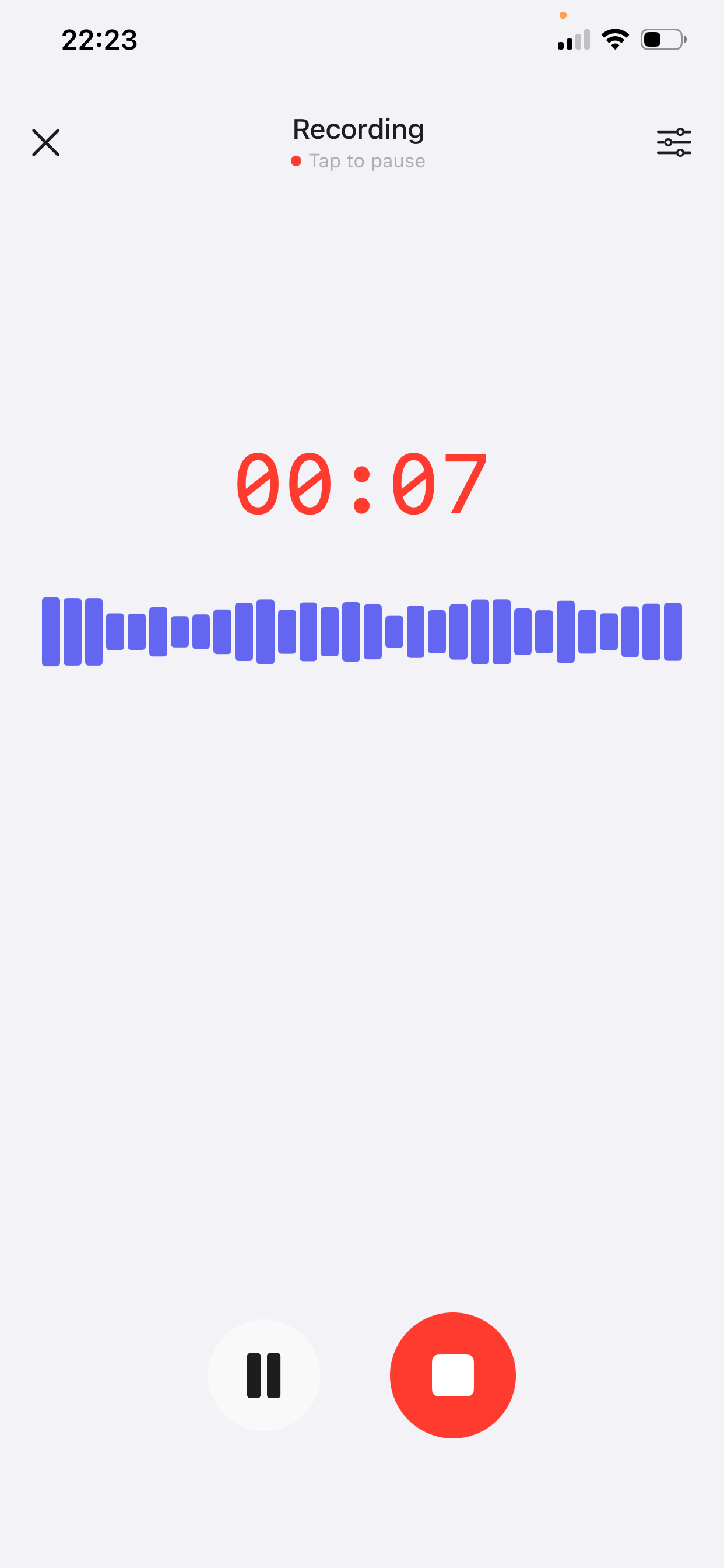
Open VoiceNote, tap the mic and explain what happened to someone who missed it. Two to four minutes is enough for one post. The free plan records up to two minutes per note; Prime extends a single recording to fifteen.
- Start at the moment it went sideways. “We shipped the redesign and the numbers dropped” is a post. “Five lessons I learned about product design” is not.
- Say the numbers you know. “About 200 users” or “two weeks late” beats “some users” and “behind schedule”.
- Say what you did next. The action is what separates a story from a complaint.
- Say what you would tell someone doing it again. One sentence, at the end. That is your takeaway, and it will be better than the one you would have invented at the top.
Step 2 — Apply LinkedIn Post
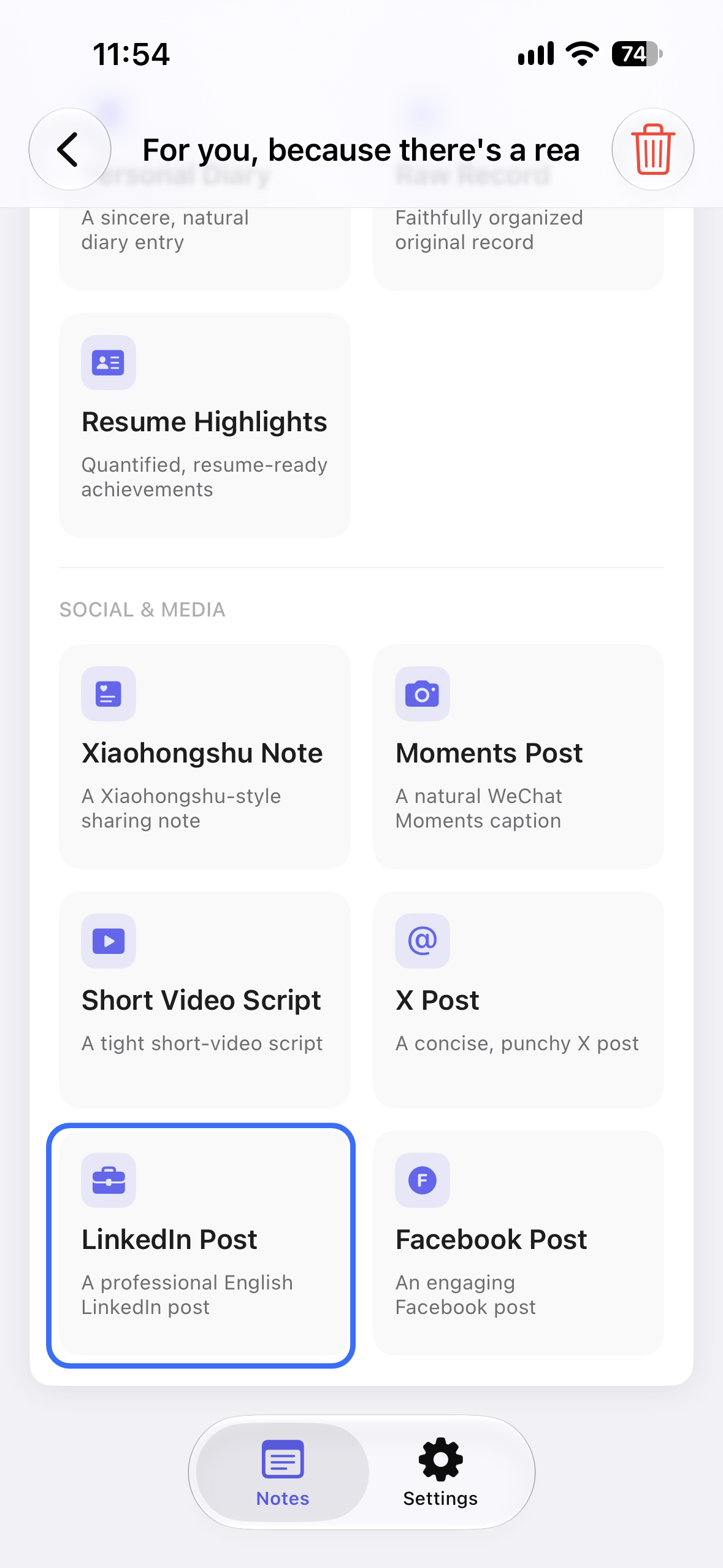
Open the note, tap AI Style Conversion and choose LinkedIn Post. The style takes the recording and returns a professional LinkedIn post: paragraphs, a work-appropriate tone, and the story in the order you told it.
The style keeps your facts and it cannot tell which part is interesting. That judgement is still yours: usually your draft has three ideas in it, and the middle one is the post. Save the other two for later — they are not wasted.
It will also smooth away the rough phrasing, which is mostly good and occasionally bad. Keep one sentence that sounds like you said it, even if it is not the tidiest. That is what stops the post reading like a press release.
Step 3 — Cut to one idea and rewrite the opening
Read the draft once and name the idea in one sentence. If you cannot, the draft is doing too much. Delete everything that does not serve the sentence.
Then ignore the first two lines and read from the third. If the post still makes sense, the opening was filler. Write a new first line that starts in the middle of the event, before the reader has to click “see more”.
Why saying it out loud changes the post
Writing into the box starts from the takeaway, so you write the conclusion first and then look for evidence that supports it. Speaking starts from the event, which is why the evidence arrives before the moral.
Speaking also keeps the awkward detail. In the note you mention the spreadsheet nobody opened, the meeting where two people disagreed, the rollout that had to be paused — the things that make a post feel like it happened. Those are the first casualties of editing for impressiveness.
The transcript is not the post. It is the version of the story you can actually tell. The style compresses it; you decide what is true and what is worth publishing.
A worked example
A made-up example. A designer is describing a redesign that did not land.
Spoken note
“So we spent six weeks rebuilding the onboarding flow, and when it shipped, completion went down. Not up. We had tested it with eight people and everyone liked it, which is apparently not the same thing. The thing we cut in the final week was this short empty-state screen that explained what the product was for — it felt redundant, we had already explained it twice. After two weeks we put that screen back, on its own, and completion went from 61 percent to 78. So the entire redesign came down to one sentence of copy we had deleted for being obvious.”
LinkedIn post
We spent six weeks on an onboarding redesign. Completion went down.
The screen we cut in the final week was the one that said what the product was for. It felt redundant — we had already explained it twice.
We put that screen back on its own. Completion went from 61% to 78%. The redesign turned out to be one sentence we deleted for being obvious.
The test group liked the new flow. Liking something and being able to finish it are different measurements.
What changed: the story became four short paragraphs with one idea — the obvious line was the load-bearing one. The numbers are the speaker's own and the caveat stays at the end, where it reads as a lesson rather than a disclaimer.
Four checks before you post
- Can you name the idea in one sentence? If it takes two, split the post.
- Does the first line work without context? No “Excited to share” — start inside the event.
- Is there a detail only you could have written? A number, a tool, a moment. Without it, the post is a platitude with line breaks.
- Would you say this out loud to a colleague? If the phrasing embarrasses you in person, it will read as borrowed.
Mistakes to avoid
- Posting the transcript. Spoken language on the page is harder to read than it is to hear. Cut the first 30%.
- The humble-brag opener. “I'm humbled to announce” tells the reader the rest is a résumé. Start with the event.
- Three lessons in one post. Pick the strongest, or publish three posts across three weeks.
- Rounding a number until it is impressive. The comment section is where inflated numbers get audited. Use the real figure, or say “roughly”.
- Ending with “Thoughts?” A question that asks for engagement is not the same as a post worth answering. End on the idea.
Frequently asked questions
Will the post sound like it was written by AI?
It will sound tidy, which is the same risk. The fix is in your note: the specific detail and the one sentence that sounds like you are what make it read as human, so keep them when you cut.
Can I post in another language?
The app labels this style as a professional English LinkedIn post. Record in English if that is the audience; otherwise check the output language and rewrite it in your own before publishing.
How long should the post be?
Long enough to hold one story, usually three to five short paragraphs. Everything above the “see more” fold should make someone want the next line.
Can I reuse the same note for X?
Yes. The same story can become a much shorter X post — the compression is the different craft.
Should I post about work I am job-hunting away from?
That is a judgement about your employer, not your writing. The safer version is turning the same recording into resume bullets rather than a public post.
Which languages does VoiceNote support?
VoiceNote transcribes 46 languages. Record in the language you think in, then rewrite the draft for the audience you are publishing to.
If the story is a talk rather than a post, the same recording can become a speech draft you rehearse out loud.
Talk the post before you write it
Download VoiceNote, describe what actually happened, and get a professional draft to cut down instead of a blinking cursor.
Download on the App Store