Key takeaways
- A speech written for the eye reads like an essay when spoken; a speech built in the mouth has shorter lines and natural signposts.
- Record the talk before you outline it. Three to five messy minutes are enough for a two-minute speech.
- Speech Draft turns the transcript into a draft made for speaking aloud; it cannot know your audience, venue or time limit.
- Rehearse out loud, time it, and cut ten percent. Memorize the order and the first and last lines, not the whole script.
Most speaking advice assumes you start at a desk: outline, draft, edit, then deliver. If you think by talking, that order fights you. You write sentences that look tidy and run out of air in your mouth, then spend the rehearsal wondering why the talk sounds like someone else.
There is a faster route. Talk the speech into a voice note first, let Speech Draft shape the transcript for speaking aloud, then do the one pass a machine cannot do: say it, time it, and cut what does not survive the room.
How to do it in VoiceNote
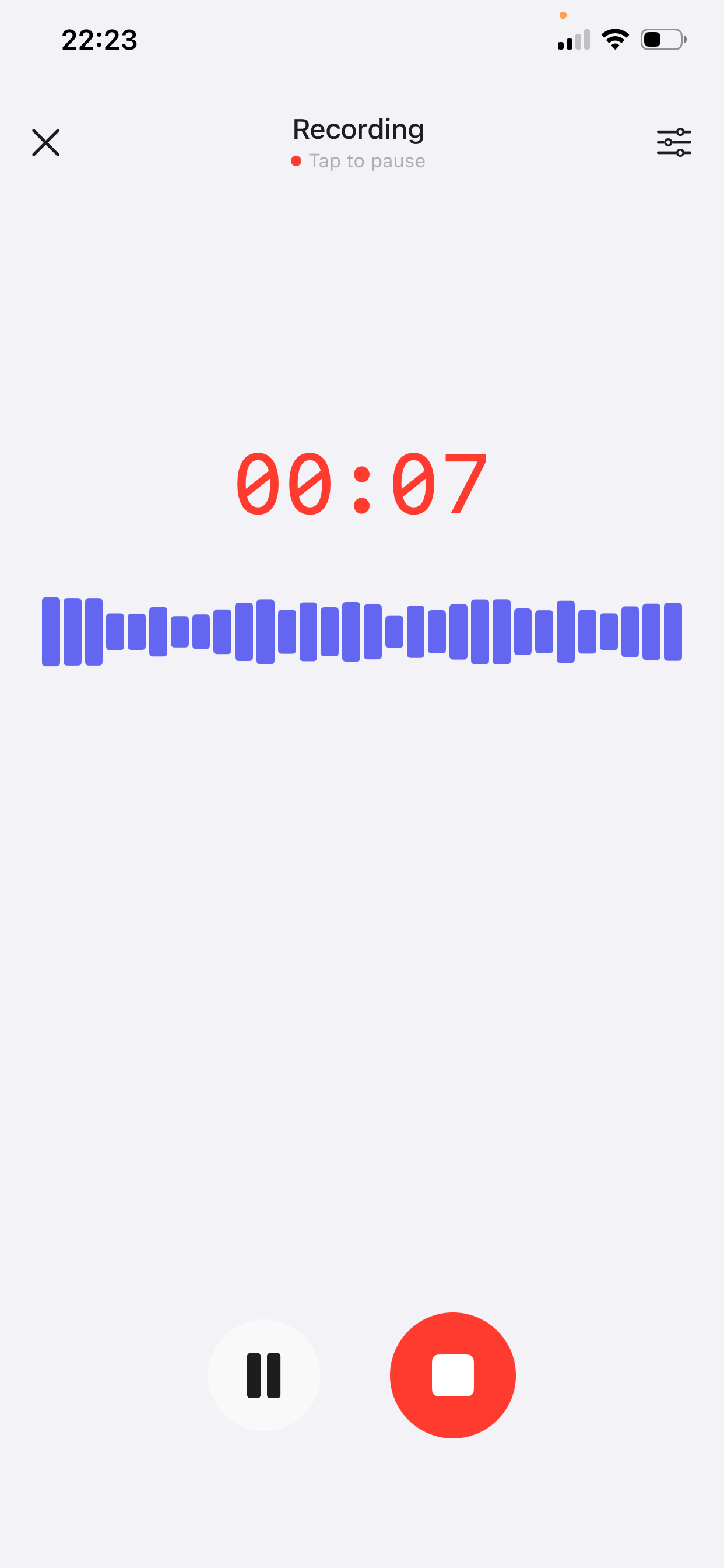
Step 1 — Record the talk, not the script
Open VoiceNote, tap the mic and record the talk as if you were explaining it to one person across a table — not to a room, not to a camera. One listener keeps you concrete and stops the “ladies and gentlemen” voice from switching on.
- Say the point in one sentence first. If you cannot, you do not have a talk yet; you have a topic. “The launch moved because the billing bug was real” is a talk. “Launch update” is an agenda item.
- Tell the story you would tell a colleague at lunch. The detail you choose when you are not trying is usually the detail the audience remembers.
- Try the opening two or three ways in the same recording. “Last Tuesday I…” Then: “I want to tell you about a number.” Keep the one that makes you sit up; delete the others later.
- Stop at five minutes. For a two-to-three-minute speech that is plenty. The rest is repetition you would have cut anyway.
Do not perform yet. Performance locks in phrasing you have not tested, and it makes the transcript harder to work with. Talk, do not announce.
Step 2 — Apply Speech Draft
Open the note, tap AI Style Conversion and choose Speech Draft.
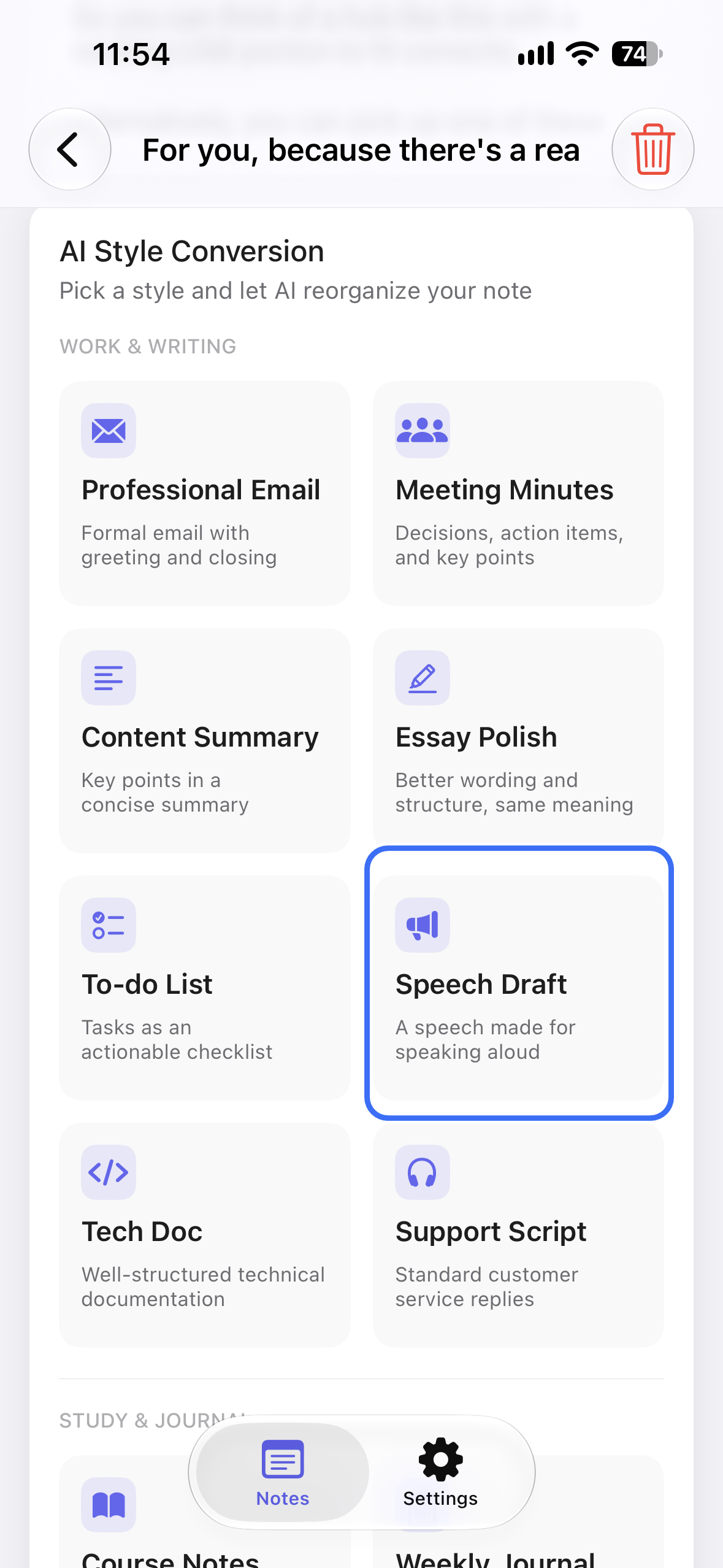
The Speech Draft style takes the transcript and shapes it into a draft for speaking aloud. It works from your words and keeps your examples because they are in the recording.
It does not know the room. It does not know whether you have two minutes or twenty, whether the audience knows the topic, or which line will land. It cannot know which facts are true either, so check names, numbers and dates before you trust the draft.
Treat the output as a first spoken draft, not a final script. The difference matters: a draft invites you to change it; a script invites you to memorize it.
Why a written speech is hard to say
Written English stacks clauses. You can hold a sentence with three subordinate ideas in your eye; in your mouth it runs out of breath halfway. Reading it aloud is the fastest test: the places where you stumble are the places the sentence was built for the page.
Spoken language does the opposite. It repeats the subject, signposts what is coming, and joins short clauses with “and” and “but”. That looks simple on paper and sounds clear in a room. If you write first, you spend the edit turning written sentences back into spoken ones — the same work you could have skipped by starting with your voice.
There is also a confidence problem. A script written at a desk sounds like you are reciting someone else’s words, because you are. A draft you talked through sounds like you, even after it is cleaned up. A sentence that works in a professional email can die in a room; the reverse is also true.
A five-minute pass for the ear
Read the draft once out loud before you edit it. Then apply five checks:
- One idea per breath. If you cannot say a sentence without stopping for air, split it. This is the single biggest difference between a written and a spoken draft.
- Signpost in plain words. “Here is what changed.” “Two things follow.” “That is the part I keep coming back to.” Signposts are not filler; they are how a listener knows where they are.
- Keep one concrete detail. A date, a name, a number, a small object. Abstractions slide past; a detail sticks.
- Keep the sentence you would actually say. If a line is more polished than you are, it will sound borrowed when you deliver it.
- Cut the first thirty seconds. Most drafts open with throat-clearing — thanks, context, a disclaimer. Start where the point starts, then add back only what the audience needs.
A worked example
A ninety-second recording for a two-minute team talk. The speaker rambles, backtracks and repeats: normal.
Spoken dump
“Okay, so, um, I want to talk about the launch. We moved it, right, from the 12th to the 19th, and I know that was annoying for everyone, especially support, because they had the help docs ready. The reason was the billing bug, which is fixed now, or at least the fix is in review. And I guess what I want to say is: the date is now the 19th, the docs are still good, and I need everyone to tell their leads if they see anything else. Also I should probably thank support for being flexible. Yeah.”
Spoken draft after Speech Draft
Launch update — spoken draft
Opening
- The launch moved from the 12th to the 19th. 0:00
Why
- The billing bug held it. The fix is in review.
What I need
- Tell your leads if you see anything else.
- Support — thank you for turning the docs around early.
Close
- New date: the 19th. Nothing else changes.
What changed: 180 rambling words became a two-minute talk with four moves. No fact, name or thank-you was added — the support line was already in the recording.
Notice what did not happen: the draft did not become funnier, more formal or more inspirational. It became easier to say. That is the job. If you are speaking to a meeting rather than a room, the same discipline that makes good meeting minutes — decisions, owners, dates — keeps a talk from drifting.
Rehearse by speaking, not reading
Read the draft silently once to catch typos, then put it down and say it out loud. The out-loud pass is where you find the sentence that looked fine and does not fit your mouth.
- Mark pauses, not emphasis. A slash where you would breathe is more useful than underlining five words.
- Time the whole thing twice. The first run is always faster or slower than the room. If you are over, cut a section rather than a sentence from every section.
- Cut ten percent after the first timed run. Almost every draft has a polite paragraph the talk does not need.
- Memorize the order and the first and last lines. Word-for-word memorization makes one small stumble feel like a collapse; knowing the moves lets you recover.
If you will speak from notes, keep the labels — Opening, Why, What I need, Close — and one line under each. That is enough to walk you back if you lose the thread.
Mistakes to avoid
- Writing an essay, then reading it. If it has semicolons and stacked clauses, it is not a speech yet.
- Letting polish flatten your voice. Corporate tone is the default failure mode of any rewriting tool, including this one. Keep one line that sounds like you said it.
- Too many numbers. An audience can hold two or three; a fourth turns the talk into a report.
- Rehearsing only in your head. Silent rehearsal hides the places where you run out of breath.
- Skipping the audience check. The same draft is a different talk to your team, a conference and a wedding.
- Adding a joke you did not record. If it is not in your voice, it will land as a performance.
Frequently asked questions
Can VoiceNote write a speech for me?
It can turn your spoken draft into one: choose Speech Draft and it shapes the recording for speaking aloud. It cannot choose your argument, your audience or your ending — those come from you.
How long should the recording be?
Three to five minutes is enough for a two-to-three-minute speech. The free plan allows notes up to 2 minutes; Prime extends recordings to 15 minutes. For a longer talk, record it section by section.
Will the draft still sound like me?
It works from your words and keeps your examples, so it starts close. Read it aloud and change anything you would not say. One borrowed sentence is enough to make the whole talk feel like a performance.
Can I use it for a wedding toast or a eulogy?
Yes, with care. Those speeches depend on names, dates and true details, so check every one against your memory and the family. Keep private stories out unless the people in them have agreed.
Does it add jokes or facts?
Treat any new joke or fact as a mistake to remove. It cannot know your room or your audience, and an invented fact is worse than a flat line. Add humor and check facts yourself.
Which languages does VoiceNote support?
46 languages for transcription and polishing, so you can draft in the language you think in and still deliver in it.
Get the talk out of your head
Download VoiceNote, talk it through, and turn the recording into a draft you can say out loud.
Download on the App Store