Key takeaways
- A resume line is an outcome, not a duty. Say what changed because you did the work.
- Talk through one role at a time. The details you forget are usually the numbers.
- Resume Highlights turns the story into quantified bullets. It cannot verify a number; you do.
- Keep the bullet to one verb, one result, one line — and be ready to defend it for ten minutes.
Nobody remembers their achievements in the form a resume wants. Memory stores the mess: the project that nearly failed, the colleague who left, the week you spent on a spreadsheet. A resume asks for the result, compressed into one line, with a number at the end.
Talking closes that gap. Describe the job to someone who is about to take it over, and the numbers, the obstacles and the outcome come back in the right order. The format can be applied afterwards.
How to do it in VoiceNote
Step 1 — Record one role at a time
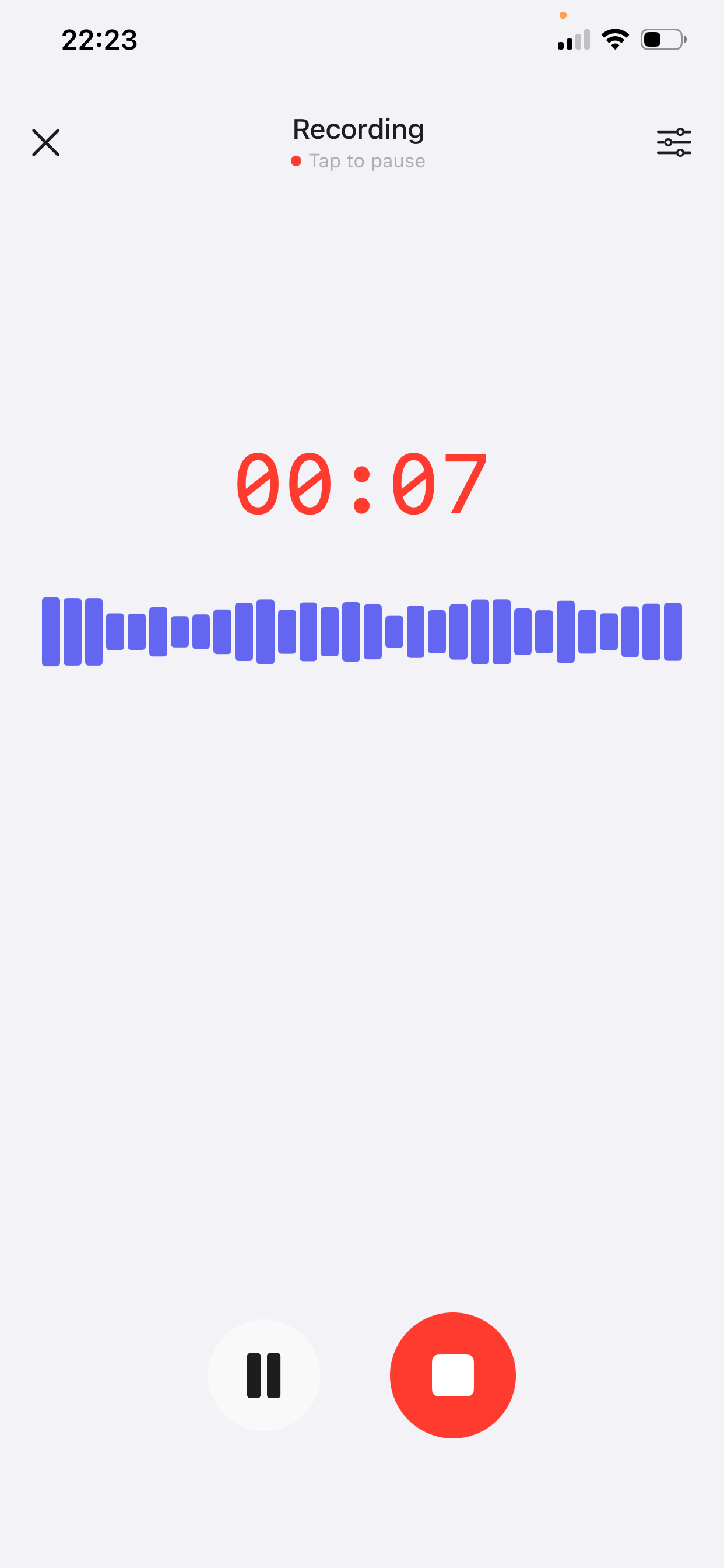
Open VoiceNote, tap the mic and brief an imaginary colleague who is taking over your job. Two to four minutes per role. The free plan records up to two minutes per note; Prime extends a single recording to fifteen, so one note per role or per project is realistic.
- Start with the situation, not the title. “The support queue was 300 tickets behind” is a story. “Customer Support Specialist” is a label.
- Say the number, even if it is rough. “About a third” beats “a lot”, and “roughly 40 hours a month” is almost a bullet already.
- Describe what you did, in order. The sequence is what separates your contribution from the team's.
- Say what happened after. “It dropped to under 40” is the outcome. Without it, you have a duty with extra words.
Step 2 — Apply Resume Highlights
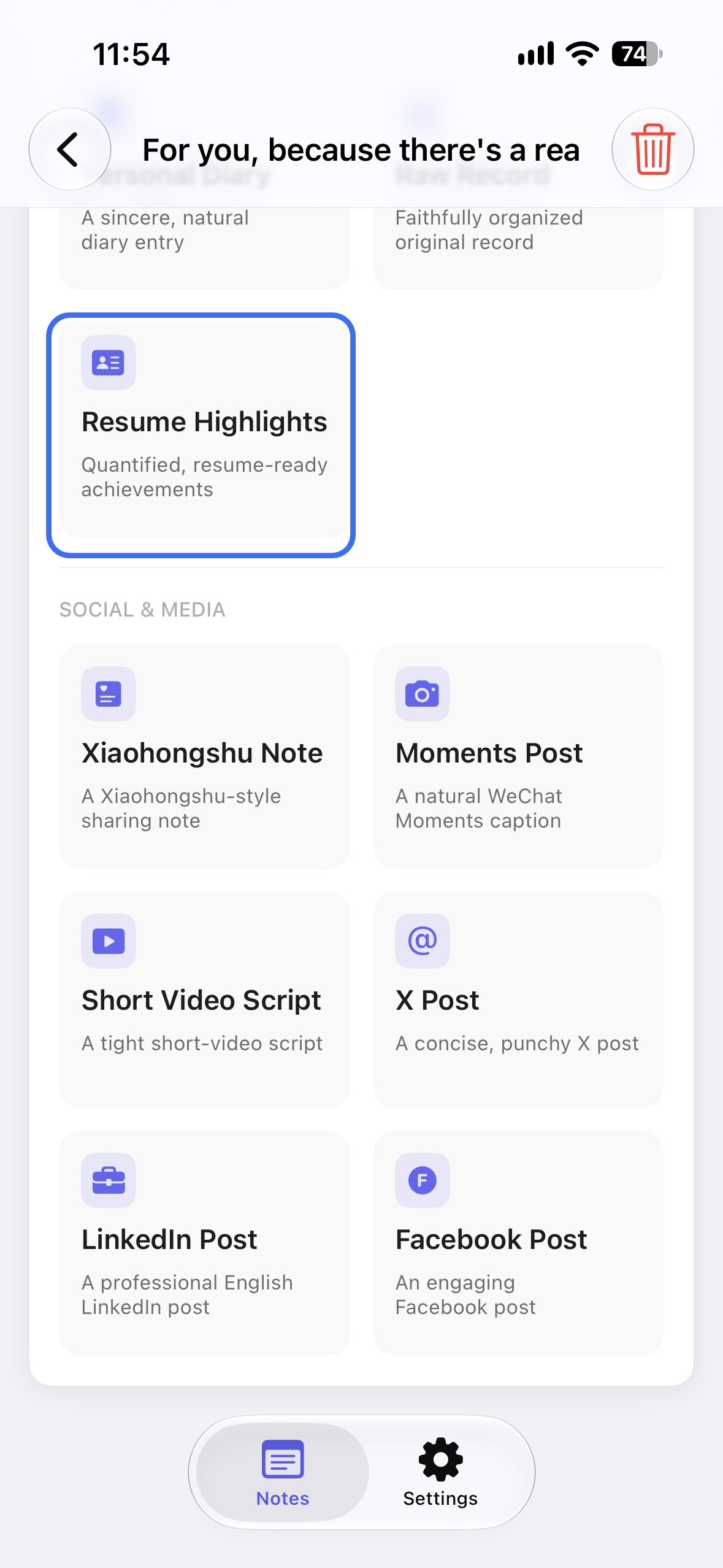
Open the note, tap AI Style Conversion and choose Resume Highlights. The style turns the story into quantified, resume-ready achievements, using the vocabulary you actually used.
It cannot check a figure, and it does not know what you are applying for. Treat every number as a placeholder to confirm against an old report, a dashboard or your manager's memory. And delete any bullet that sounds like a job description rather than a result.
One test: if a bullet could have been written before you started the job, it is a duty, not an achievement.
Step 3 — Cut to the three that matter
Read the bullets and keep three per role: the one with the biggest number, the one that matches the job you are applying for, and the one you would actually tell in an interview. Delete the rest.
A resume is not a record of everything you did. It is a set of claims you can defend for ten minutes each. Four strong bullets beat nine vague ones, and the interview will test exactly the ones you kept.
Why talking beats filling in a template
A template starts from the format, so you write adjectives to fill space: “results-driven”, “passionate about”. A spoken briefing starts from the work, and adjectives are the first thing to disappear when you are explaining what you actually did.
Speaking also keeps the context that makes a claim credible — the team size, the deadline, the tool you used. Those details surface while you are explaining, not while you are staring at a bullet point trying to look impressive.
The transcript is not the resume. It is the raw material. The style compresses; you decide what is true.
A worked example
A made-up example. The speaker is a support lead describing the job she is leaving.
Spoken note
“So when I took over support we were about 300 tickets behind, and the team was three people including me. The first thing I did was stop answering everything myself. I wrote twelve canned replies for the top issues, then set a rule: anything that comes in twice in a week gets a help article. Within about four months the backlog was under 40, and first response went from about nine hours to under two. That also meant we could drop the weekend cover, which nobody liked doing.”
Resume bullets
• Cleared a 300-ticket backlog to under 40 in four months by standardising replies to the twelve most common issues.
• Cut first response time from nine hours to under two with a self-service help centre for repeat questions.
• Removed weekend support cover by bringing the queue below a single day's volume.
What changed: the story became three claims, each with a number and a result. The style kept the phrasing you used; check every figure before you send it, and be ready to explain how you measured it.
Four checks before you paste it in
- Does it start with a verb? “Cleared”, “cut”, “built”. If it starts with “Responsible for”, it is a job description.
- Is there a number? A percentage, a count, a time, an amount. If there is none, can you honestly estimate one?
- Is the outcome visible? The reader should know what changed, not only what you were busy with.
- Can you defend it for ten minutes? If you cannot explain how you measured it, cut the bullet or soften the claim.
Mistakes to avoid
- Reading your job description into the mic. It produces a tidy list of duties, which is exactly what you were trying to escape.
- Inflating a number to make it sound better. The interview is where inflated numbers get tested. Round honestly, then say so.
- Turning every task into an achievement. Three or four bullets per role is plenty; a list of twelve has no ranking.
- Using adjectives instead of evidence. “Detail-oriented” is a claim about you; “audited 60 invoices a month with no errors” is evidence about the work.
- Packing three ideas into one bullet. Split it. A bullet should survive one reading.
Frequently asked questions
Can VoiceNote write my whole resume?
No. It turns what you say into bullets. The structure, the dates, the layout and the judgement about what to include stay with you.
What if I do not remember the numbers?
Say the rough version out loud anyway — “about a third”, “roughly 40 hours”. A rough figure gives you something to check against an old report or a dashboard before you commit to it.
Will the bullets sound generic?
They are built from your recording, so the detail is usually yours. Read them aloud; any line you would not say in an interview is a line to rewrite.
Can I use the same note for a cover letter or LinkedIn?
Yes. The same story can become an email to a recruiter, and the strongest bullet usually becomes your LinkedIn headline.
Does it work if I have no metrics?
Yes, if you describe the change instead of the activity. “Reduced onboarding questions by rewriting the setup guide” is still an outcome, even without a percentage.
Which languages does VoiceNote support?
VoiceNote transcribes 46 languages. Record in the language of the job you are applying for; the style names in the app stay in English.
Once the resume is done, the same recording can help you prepare the answers you will say out loud in the interview.
Talk your resume into shape
Download VoiceNote, describe one role out loud, and get bullets you can edit instead of staring at a blank page.
Download on the App Store