Key takeaways
- A task needs a verb, an object, and a date or a trigger. Anything less is a note.
- Dump first, sort second. Decide while you talk and the list triples.
- To-do List turns the dump into a checklist; you still choose today's five.
- Keep a “waiting on” list, or other people’s tasks will keep circling yours.
Voice notes are the fastest way to clear your head. Walk, talk for ninety seconds, and every half-formed obligation is out of your working memory and into the app. That part is solved.
The next part is where most systems collapse. A transcript of everything you have to do is not a list you can work from; it is a second, noisier version of the anxiety you started with. What makes a list usable is subtraction: fewer items, each one small enough to start, attached to a day.
How to do it in VoiceNote
- Record the dump, not the plan. Open VoiceNote (first time? Download it here), tap the mic and talk. The free plan includes 10 notes of up to 2 minutes each; Prime removes the note limit and extends recordings to 15 minutes. A dump almost never needs more than two.
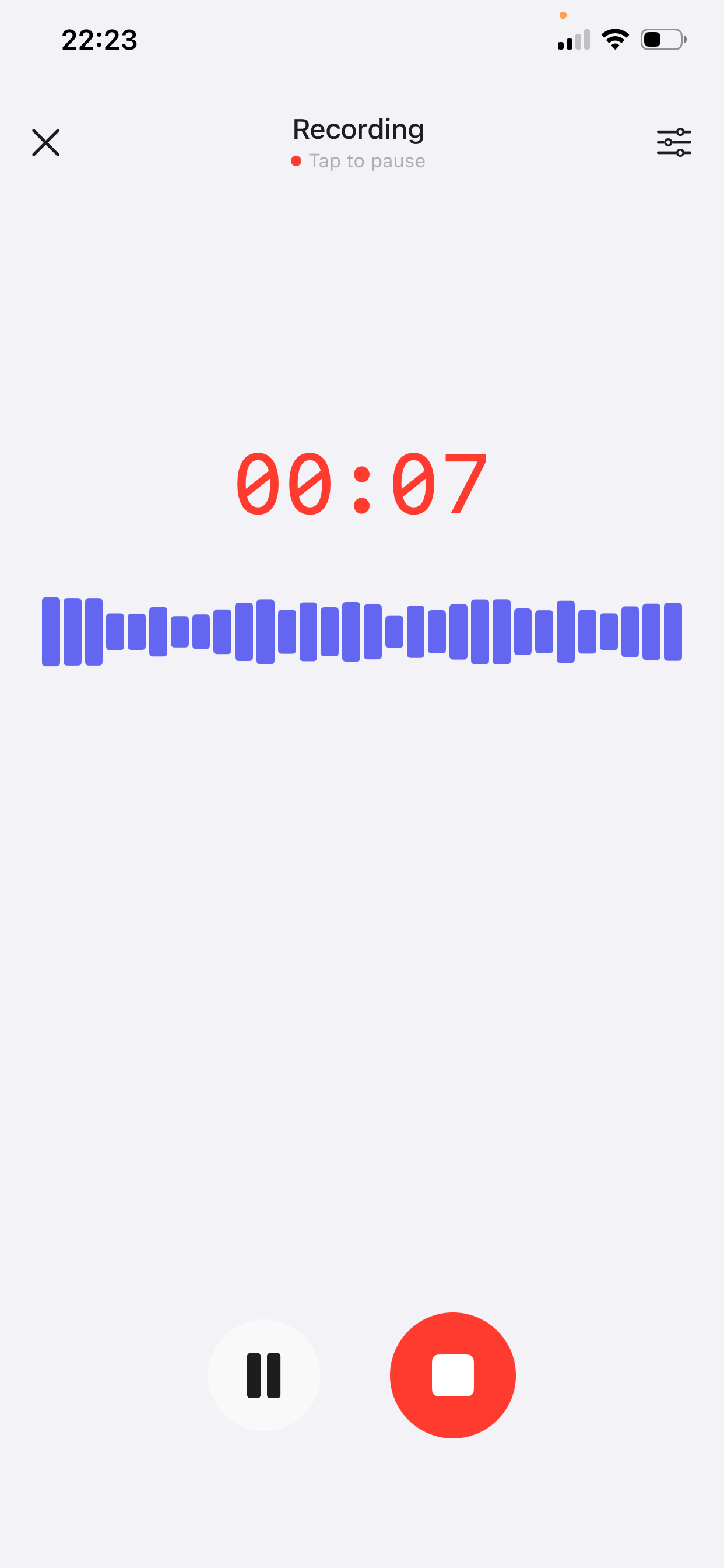
One take, ninety seconds. The timer is there to stop the dump from turning into a planning meeting with yourself. - Say the dates out loud. “By Friday”, “before the 15th”, “after Alex sends the numbers”. Transcription keeps them, and you can attach them to the right task during the sorting pass instead of leaving a trailing list of dates.
- Tap To-do List. The style in VoiceNote turns the note into a checklist of tasks. Check that it has not added owners, deadlines or priorities you did not mention.
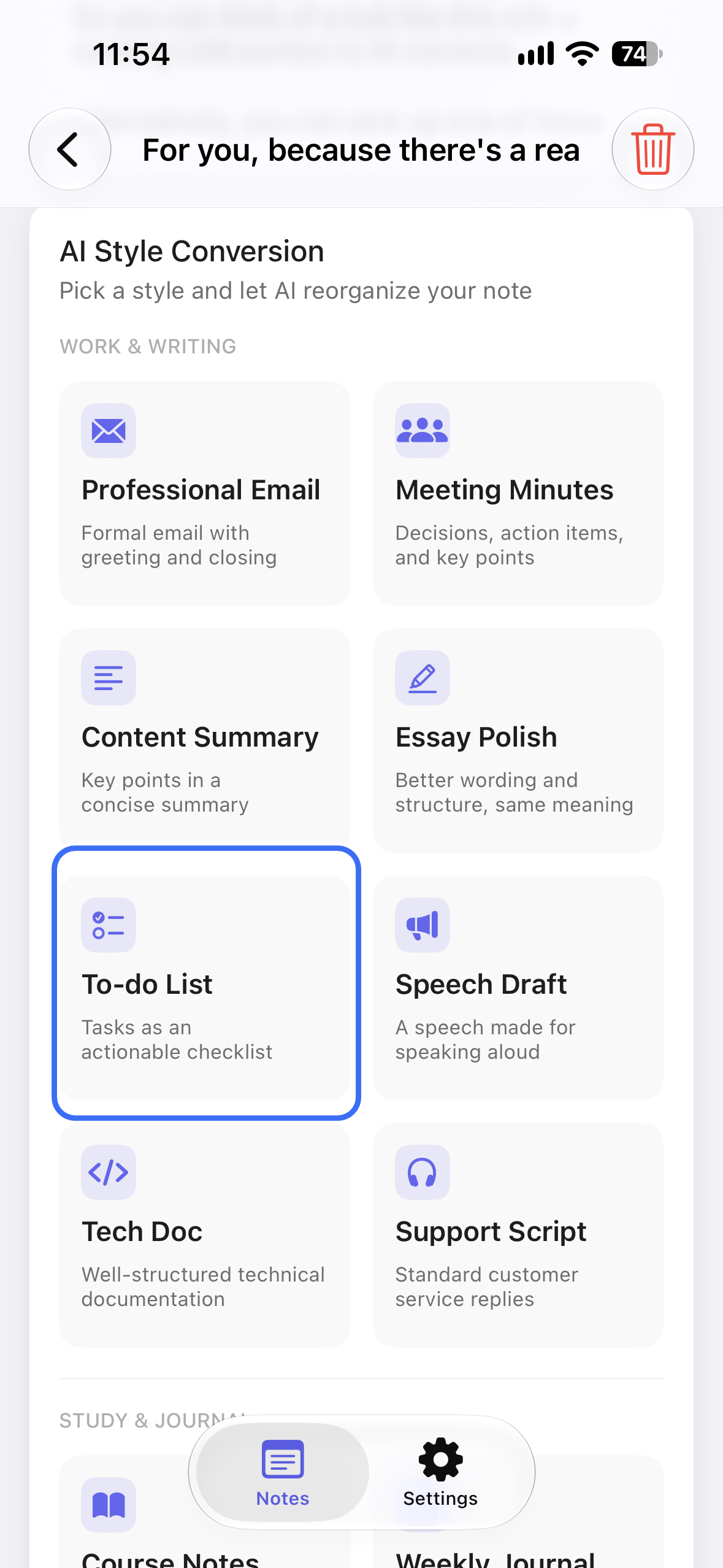
To-do List in the style grid. The ring marks the style used here; choosing today’s five stays with you. - Fix names, numbers and negations. These are the three places transcription slips. Check “Alex”, “15th”, and any “don’t” before you trust the list.
- Move the list to where you check it. VoiceNote is the capture tool, not the place you will look at 4 p.m. Copy the checklist into the app you already open — Reminders, Notes, a paper page — and delete the duplicate.
Why a brain dump makes a bad to-do list
A brain dump is associative. One task reminds you of another, which reminds you of a conversation, which adds a third. That is exactly what you want while capturing — you are emptying the tank — and exactly what you do not want in a list.
Spoken dumps also flatten priority. “I need to send the invoice” and “I should learn Spanish” arrive in the same tone of voice. The recording cannot tell a Tuesday job from a someday idea; only you can.
And a dump records intentions, not actions. “The tax thing” is a topic. “Find the tax folder, then file the return by 13 November” is a task. The gap between those two sentences is the whole job of the sorting pass.
It is the same distinction as action items in meeting minutes: an item without an owner and a date is a wish, not a commitment.
What makes a task actionable
Before you sort, agree on what counts as a task. Five tests, in order:
- It starts with a verb. “Draft”, “send”, “book”, “cancel”. If the line starts with a noun — “pricing”, “dentist” — it is a subject, not an action.
- It is one action. “Revise the pricing and send it to Alex” is two tasks. Split them; the second depends on the first, and you will want to tick it off separately.
- It has a date or a trigger. “Friday” or “after Alex sends the numbers”. A task with neither will be re-read for a week without moving.
- It is small enough to start. “Do the deck” is a project. “Outline the deck” is a task; the next task appears when you finish it.
- It names the outcome. “Book the dentist for the week of 16 November” tells you when you are done. “Dentist” does not.
A five-minute sorting pass
- Dump in one take. Sixty to ninety seconds, no editing, no deciding. If you catch yourself planning, say “that’s a separate thing” and keep going.
- Apply To-do List. The style turns the dump into a checklist of tasks. It will not know your priorities, and it should not guess.
- Cut what is not yours. Anything waiting on someone else goes to a separate “waiting on” list, with the person’s name. It is not a task until it comes back to you.
- Date the rest. Today, this week, later. If a line has no date, either give it one or move it to a “someday” page. “Later” is a date only if it has a week attached.
- Choose today’s five. Not ten. Five is enough to finish, and finishing is what keeps the system alive.
A worked example
Ninety seconds, recorded on a Friday morning. The speaker wanders, repeats themselves and changes their mind twice — which is normal.
Spoken dump
“Okay, it’s Friday. I need to send Alex the revised pricing — I still haven’t done that — and the onboarding emails, well, just the second one, has to be finished before Monday. Book the dentist, it’s been three months, maybe the week of the 16th. Check if the designer’s invoice came through. I promised Mum I’d look at her flight times this week. The tax return is due on the 15th and I need to find the folder first. I want to start running again, maybe Tuesday and Thursday. Oh, and reply to Sam about the offsite. That’s it. I think.”
Checklist after the style
Friday brain dump — sorted
Today — Fri 6 Nov
- Send Alex the revised pricing sheet
- Reply to Sam about the offsite
- Check the designer’s invoice arrived
This week
- Finish onboarding email 2 by Mon 9 Nov
- Look at Mum’s flight times by Sun 8 Nov
- Book the dentist for the week of 16 Nov
- Find the tax folder, then file the return by Fri 13 Nov
Waiting on
- Alex — pricing numbers, which block the revised sheet
Not a task
- Running plan — decide on Sunday; it is a habit, not a to-do
What changed: one rambling minute became three tasks for today, four dated for the week, one waiting item and one thing that was never a task. Nothing was added that the speaker did not say.
How to keep the list short
- One list per context. Work and personal tasks compete for the same attention; keep them separate, and check each at the right time.
- Five for today. A list of fifteen is a menu of guilt. Five is a day you can finish and still answer email.
- The two-minute rule. If it takes less than two minutes, do it now instead of writing it down. Capturing it costs more than doing it.
- A waiting-on list. Every delegated or pending item lives there with a name and a date to chase. Otherwise it keeps returning to your head disguised as a task.
- A weekly review. Ten minutes on Friday: close what is done, re-date what slipped, and move one thing forward. The same review works for a voice journal.
Mistakes to avoid
- Sorting while you speak. The dump should be messy. The moment you start deciding, you stop remembering.
- Turning every sentence into a task. “I should really…” is a thought, not a commitment. Leave it out or put it on a someday page.
- Tasks without dates. A list without dates is a mood. Give each line a day, a week, or a trigger.
- Keeping the list in the recorder. A recording is where tasks go to be forgotten politely. Move them to the place you check.
- Rewriting the list every day. If the same five items move forward for a week, they are not tasks; they are decisions you are avoiding. Split them or drop them.
Frequently asked questions
Can VoiceNote turn a voice note into a checklist?
Yes. Choose the To-do List style and it reorganizes the note into a checklist of tasks. You still set the dates and choose what belongs to today — the style does not know your week.
How long should the recording be?
Sixty to ninety seconds is enough for a normal day. The free plan allows notes of up to 2 minutes; Prime extends recordings to 15 minutes. If your dump runs longer, record a second note rather than editing the first.
Does it set reminders for me?
No. VoiceNote produces the list as text; reminders live in your task app. Copy the checklist into Reminders, Notes or the tool you already use, and keep one list rather than two.
What if I ramble or repeat myself?
That is expected. The style condenses repeated points, and the sorting pass removes the rest. Say “that’s not a task” when you notice a tangent — it is faster than trying to edit mid-sentence.
What about work and personal tasks?
Keep two lists. Work tasks belong in the tool your team can see; personal tasks belong wherever you will actually check them. Record each dump separately so the two do not mix.
Which languages does VoiceNote support?
46 languages for transcription and polishing, so you can dump in the language you think in and still get a list you can use.
Leave the brain dump with a list
Download VoiceNote, talk for ninety seconds, and turn it into the five things you will actually do today.
Download on the App Store