Key takeaways
- Plan four beats before you record: purpose, context, request, timing.
- Most emails take 45–90 seconds; speak for as long as you need. Then fix names, numbers, and dates.
- Apply the Professional Email style, then edit the subject and add one human detail.
- After three or four runs, dictating beats typing from a blank page.
Most email advice assumes you are starting at a blank screen. You are not. You already know the message; you just said it out loud on a walk. The problem is the gap between a spoken thought and a message another person can act on. Transcription closes the first half of that gap. Structure closes the rest.
Step by step in VoiceNote
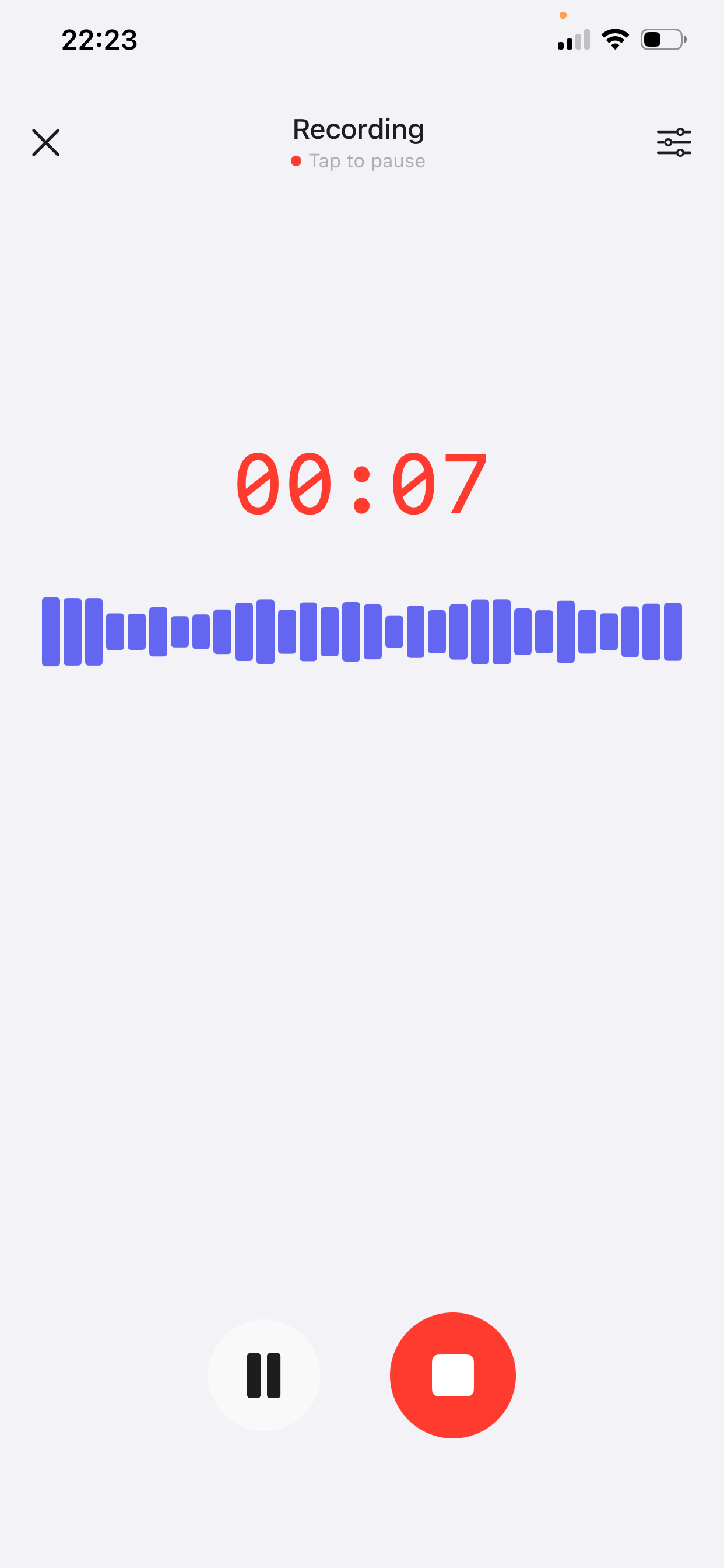
- Record the four beats. Open VoiceNote (first time? download it here), tap the mic, and speak in order. Most emails take 45–90 seconds. The free plan includes 10 notes of up to 2 minutes each; Prime raises recordings to 15 minutes and removes the note limit.
- Let it transcribe and polish. VoiceNote removes filler words, fixes grammar, and restructures the sentences. You get a clean draft, not a wall of “um”.
- Choose Professional Email. The style preset adds the shape a work email needs. If the message is internal or short, Raw Record may fit better.
- Edit four things only. Check names, check numbers and dates, write the subject line, and add one human detail. Then copy the text into Mail, Outlook, Gmail, or wherever you send email.
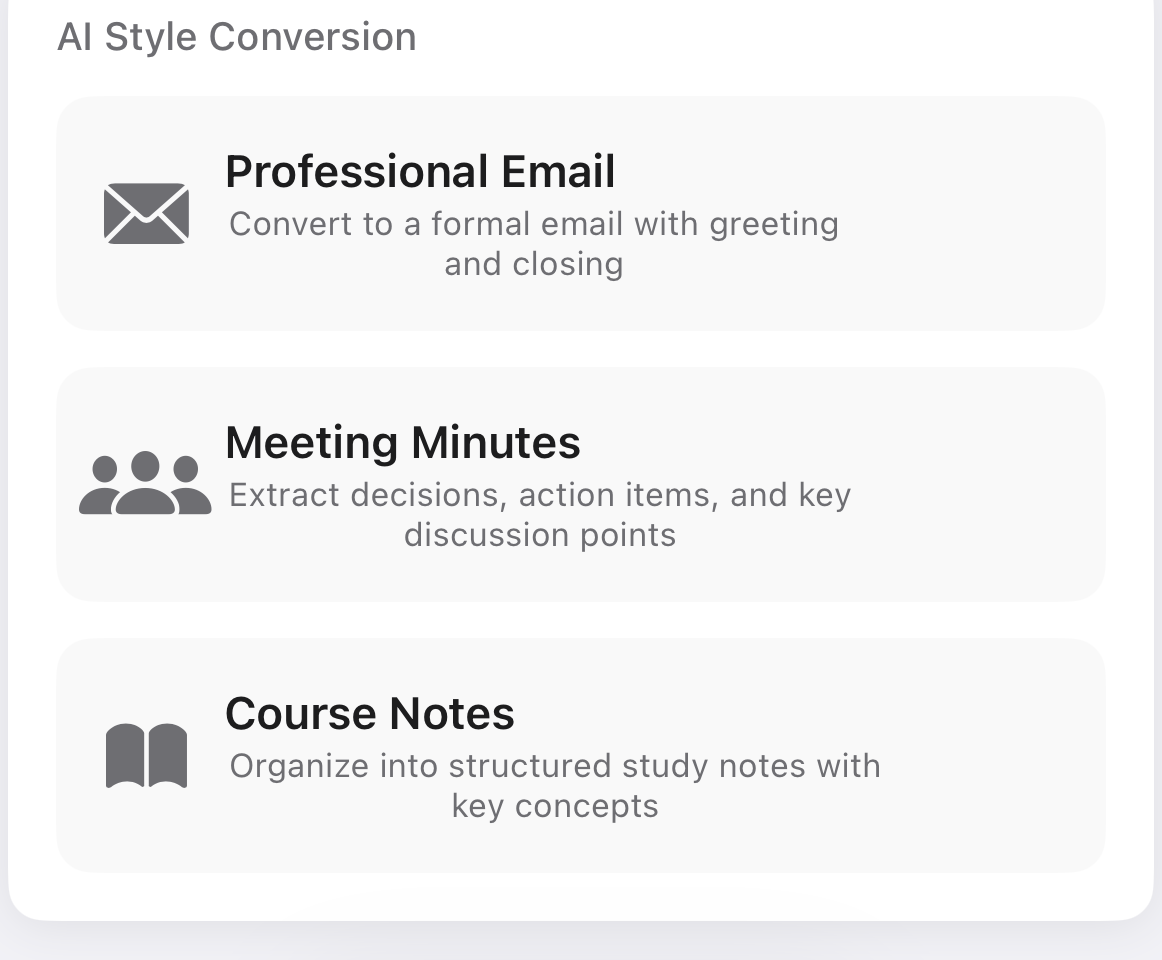
That is the whole loop: plan for thirty seconds, speak for a minute, edit for a minute. It is faster than typing once you have done it three or four times.
Why a transcript is not an email
A transcript preserves the order you thought of things, not the order your reader needs. It includes false starts, repetition, and context that belongs in a call. AI polishing can remove the filler and fix the grammar, but it cannot guess your subject line or decide what you are asking for.
So the method below puts structure in before you record. You will spend about thirty seconds planning and sixty seconds speaking. The editing pass at the end takes another minute.
The four beats of a good spoken email
Before you tap record, answer four questions in this order:
- Purpose. One sentence: “I'm writing to ask for…”, “I'm writing to update you on…”, “I'm following up on…”.
- Context. Two or three facts the reader needs, not the whole history.
- Ask. Exactly what you want the reader to do. A decision, an approval, a file, a reply.
- Timing. The date you need it by, and what happens if that date slips.
If it fits, add one line of warmth or one specific shared detail at the end. Not three. One.
Say it once, as if you were leaving a voicemail. Do not stop to correct yourself; the transcript can survive a false start, and you can fix a wrong name or number in the final read. If you lose your place, restart the sentence and keep going.
The skeleton, in plain words
“Hi [name] — I'm writing about [topic]. Quick context: [fact] and [fact]. What I need is [specific ask] by [date]. If that timing doesn't work, [fallback]. Thanks — [your name].”
Use those beats as a checklist, not a script. Your own words will sound better, and the AI has less to smooth over.
Three before-and-after examples
The spoken versions are deliberately messy. The emails below are the result after polishing — with names and dates checked by hand.
Spoken note
“Hey Alex, um, so about the Q4 launch — I think we need another week. The design revisions came back later than we expected, and we still need to test the signup flow. Could we move the launch from November 14 to November 21? I'd rather ship it right than ship it Friday. Let me know if that's a problem.”
Polished email
Subject: Q4 launch — request to move to Nov 21
Hi Alex,
Quick update on the Q4 launch: design revisions came back later than expected, and we still need to test the signup flow. I'd like to move the launch from November 14 to November 21 so we can ship a tested release rather than rush the current date.
Can you confirm whether November 21 works? If that creates a conflict, I can walk you through the trade-offs on a quick call today.
Thanks,
Jordan
What changed: a clear purpose, two context facts, two specific dates, and one fallback.
Spoken note
“Hi Sam, quick update on the website project. The homepage is done. The pricing page is in review with our designer. We're waiting on the logo files from your team, which is blocking the header. If we get those by Wednesday, we'll still hit the 30th. Otherwise it slips a week.”
Polished email
Subject: Website project — status and one dependency
Hi Sam,
A short status update on the website project:
• Homepage: complete.
• Pricing page: in design review.
• Header: waiting on the final logo files from your team.
If the logo files arrive by Wednesday, we'll still deliver on the 30th. If they arrive later, the timeline moves by one week. Could you confirm who is sending them?
Best,
Jordan
What changed: the style turns the spoken flow into a status list; names and the date were checked by hand.
Spoken note
“Hi Priya, following up on my note last week about the contract. I haven't heard back, which is fine, but I need to know if we're renewing by the end of the month. Could you tell me yes, no, or when you'll know? Happy to jump on a call.”
Polished email
Subject: Following up — contract renewal by Oct 31
Hi Priya,
I'm following up on my email last week about the contract. I know things get busy; I just need to confirm whether we're renewing by October 31.
Could you reply with a yes, a no, or a date when you'll have an answer? If a quick call is easier, I'm free Thursday afternoon.
Thanks,
Jordan
What changed: the apology is gone, the question is binary, and there is an alternative way to reply.
How to keep the email sounding like you
- Keep your contractions. If you say “we're” and “I'd”, leave them in. Formal does not have to mean stiff.
- Keep one specific, true detail. “The signup flow test” sounds like a person; “some testing” sounds like a template.
- Match the greeting to the relationship. “Hi Alex”, “Hello Alex”, or just “Alex,” all work. Pick the one you would use in person.
- Read the first sentence out loud. If you would never say it, rewrite it. The rest usually follows.
Mistakes to avoid
- Recording before you know the ask. The AI can organize your thoughts; it cannot choose your request for you.
- Trusting names, numbers, and dates. Transcription is good, not perfect. Read every proper noun and every figure.
- Sending the first output. Add one line that only you could write. That is what makes it read as a message rather than a generated paragraph.
- Using it for sensitive negotiations without review. Legal, HR, and pricing conversations need a careful human pass — and sometimes a call instead.
- Writing an essay. If the email passes 150 words and the ask is still unclear, shorten it or book a conversation.
Frequently asked questions
Can I dictate an email on iPhone?
Yes. VoiceNote runs on iPhone and iPad with iOS 16 or later. Record the message, choose a style, then copy the result into your email app.
How long can each voice note be?
The free plan gives you 10 notes of up to 2 minutes each. Prime includes unlimited notes and recordings of up to 15 minutes. Most emails need less than 90 seconds.
Will the email sound like it was written by AI?
Only if you send the draft untouched. Check the facts, keep your own phrasing where it matters, and add one specific detail. Readers notice precision and warmth more than they notice polish.
Which languages does VoiceNote support?
VoiceNote transcribes and polishes in 46 languages, so you can dictate in the language you would normally write in.
Can I use this for client emails?
Yes, with one extra step: read the final draft as if a colleague had written it. If a sentence could commit you to something you did not intend, change it before sending.
Your next email can start as a voice note
Download VoiceNote, speak the four beats, and edit the draft instead of writing from scratch.
Download on the App Store