Key takeaways
- A short script is one idea, said in lines that each fit one breath.
- Record the idea as you would tell it to a friend. Do not write a word first.
- Short Video Script reshapes the transcript for speaking. It cannot know your footage, your face or your point.
- Read every line at camera speed. The line you stumble over is the line to rewrite.
Most short-video advice starts with a hook template. The problem with a template is that it is someone else's sentence, and you can hear it. The fastest route to a script that sounds like you is the other way round: say it first, write it down afterwards.
You already do this when you explain something to a friend. That explanation has a hook, a turn and an ending — it just has no punctuation and no cursor blinking at you.
How to do it in VoiceNote
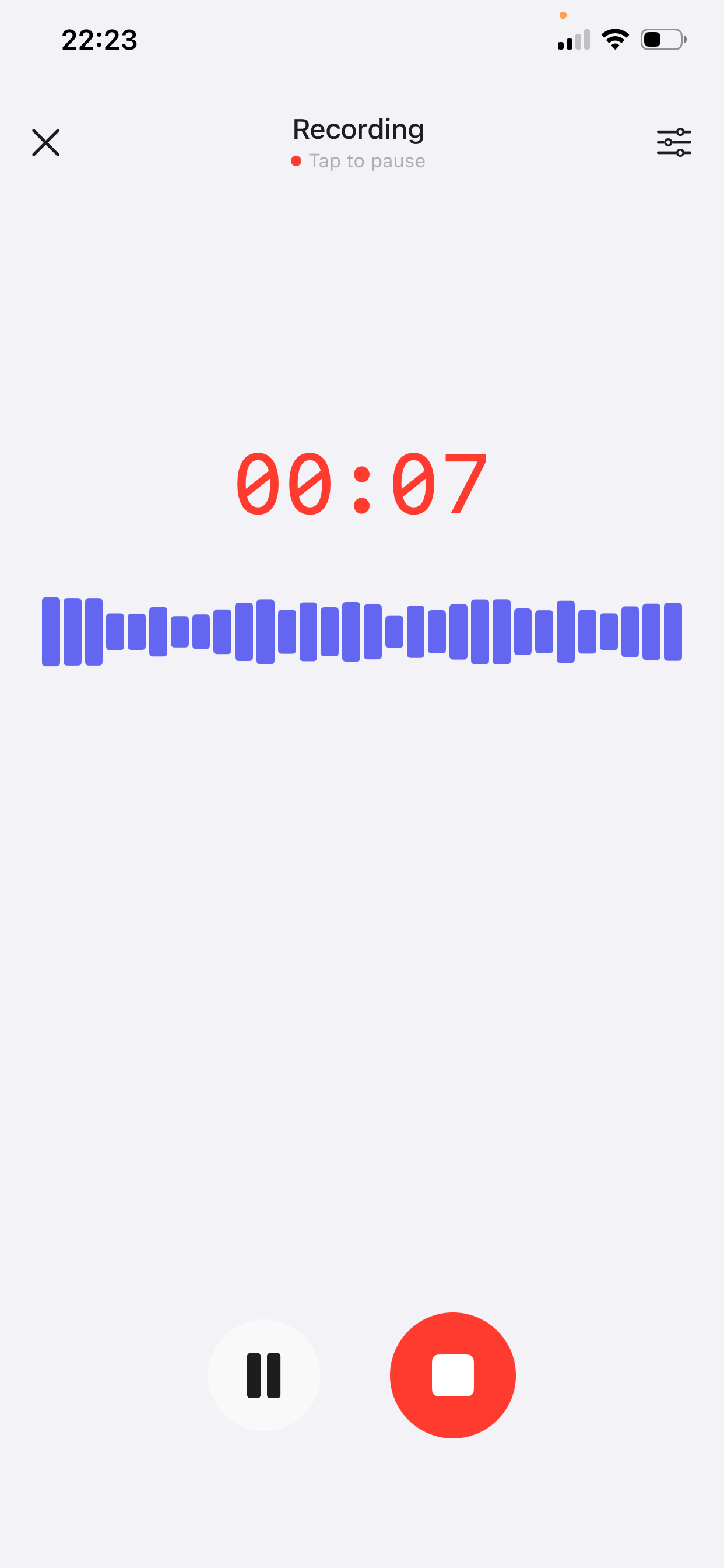
Step 1 — Record the idea, not the script
Open VoiceNote, tap the mic and explain the video to one imaginary person. Sixty to ninety seconds is plenty. The free plan records up to two minutes per note; Prime extends a single recording to fifteen.
- Lead with the reason to keep watching. Say the first sentence you would actually say out loud, not the one that sounds like a title.
- Say the concrete thing out loud. The number, the object, the place. “It took four hours in the freezer” survives; “it took ages” does not.
- Mention what the camera will see at the start. You can turn it into a shot later; saying it keeps the video in mind while you talk.
- Do not perform. Read-aloud voice is what makes a script sound fake. Your speaking voice is the asset.
Step 2 — Apply Short Video Script
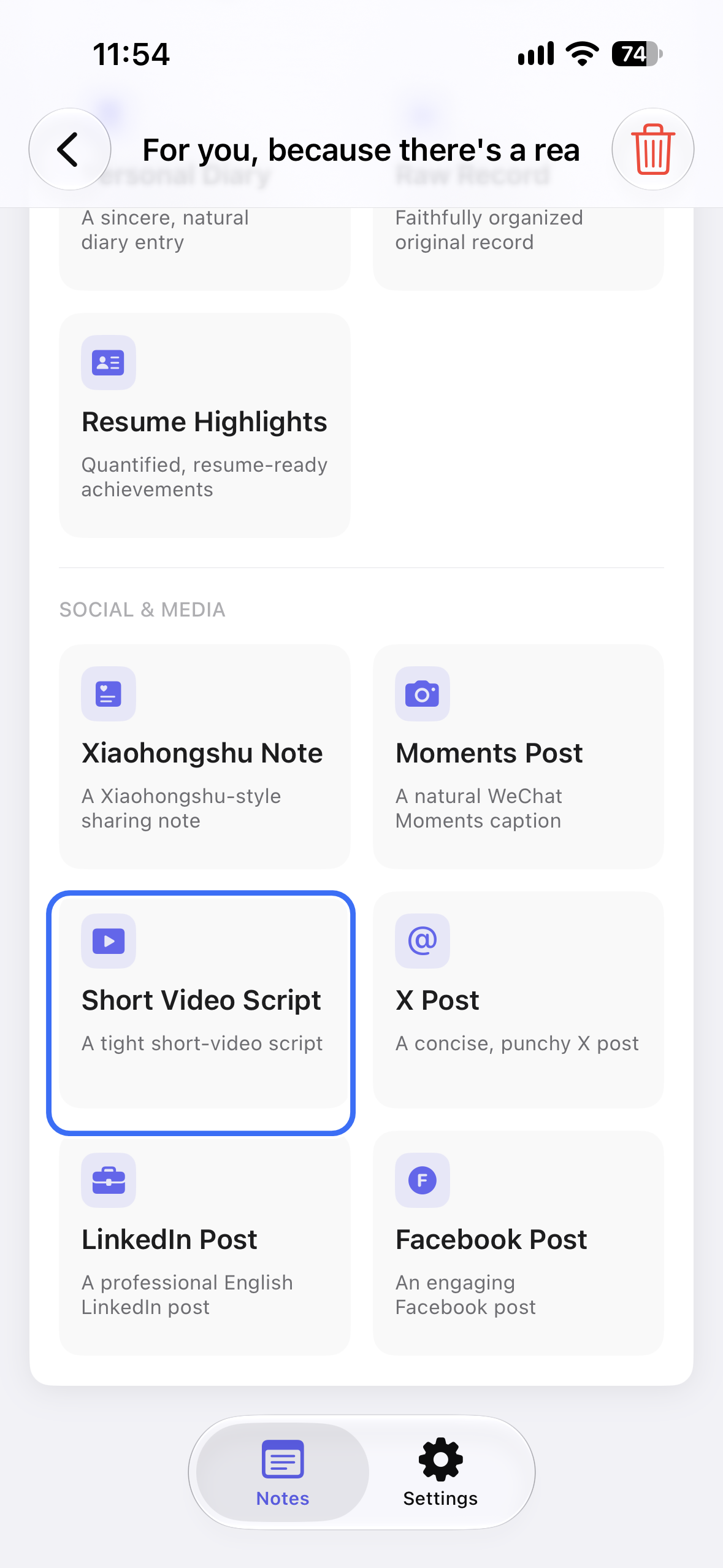
Open the note, tap AI Style Conversion and choose Short Video Script. The style tightens the transcript into a short script you can read to camera, in your own words.
It cannot see your footage, your face, or the part of the idea that only makes sense on video. It may also add lines that sound like an ad — “you won't believe” is the usual one. Treat anything you did not say as a suggestion, and delete it if it would make you cringe on camera.
One useful rule: if a line is hard to say in one breath, it is a sentence for a page, not for a video. Split it or cut it.
Step 3 — Read it aloud, then trim
Stand up and read the script at the pace you will actually speak it. Three things happen at once: you find the lines that do not fit a mouth, you find the place where you run out of air, and you hear whether the first line earns the second.
Then cut. Remove the first line if it is a greeting; remove the last if it only repeats what you just said. What is left is usually shorter than you expected, and much easier to film.
Why speaking first beats writing first
A written script optimises for how a sentence looks. A spoken one optimises for how it lands. Write first and you tend to produce full sentences with subordinate clauses — fine on a page, breathless on camera.
Speaking also stores the emphasis. You hear where you leaned on a word, and that stress tells the editor — you — which line matters. Typing loses it.
The transcript is not the script. It is the raw material: the argument, the details, the phrases you actually use. The style does the tightening; you do the judging.
A worked example
A made-up example. The speaker is a designer explaining why she stopped editing her videos to death.
Spoken note
“Okay, so I used to edit every video for like two hours and they still got nothing. And I realised the videos that did well were the ones where I just said the thing I would tell a friend. Like the one where I say: don't buy the expensive one, buy the cheap one and replace it every year. That was thirty seconds, filmed in one go, and it is my best video. The edits were hiding the fact that I didn't have a point. So now I record the point first, on a walk, and if I can't say it in ninety seconds I don't make the video.”
Short video script
I stopped editing my videos for two hours.
They did better.
My best video is thirty seconds, filmed in one take.
The videos that worked were the ones where I said what I'd tell a friend:
Don't buy the expensive one. Buy the cheap one and replace it every year.
Two hours of editing was hiding the fact that I didn't have a point.
Now I record the point on a walk first.
If I can't say it in ninety seconds, I don't make the video.
What changed: the claim moved to line one, the example kept its order, and the numbers stayed. The style cut the “okay, so” runway — you still have to check that every line is something you would say with a camera on.
Five checks before you film
- First three seconds. Could a stranger repeat the claim after the first line? If not, that line is a greeting, not a hook.
- One idea. If the script needs a second idea, it is a second video.
- One breath per line. Read it standing up. Anything that does not fit gets split or cut.
- One concrete detail. A number, a price, a time, a place you can point at.
- Say it once before you film. The take where you read it cold is always the stiff one.
Mistakes to avoid
- Reading the script like an essay. You wrote it to say, not to recite.
- Letting the style add hype. “Game-changer” is a line you would never say to a friend, and it shows on camera.
- Writing for the algorithm instead of one person. The style cannot know who is watching; you can.
- Recording while planning. Decide inside the recording. Planning out loud turns ninety seconds into five minutes.
- Keeping a line because it is clever. If it is hard to say, it will look hard to say.
Frequently asked questions
Can VoiceNote write a video script from nothing?
No. It starts from your recording. The point, the example and the detail have to come from you; the style handles the tightening.
How long should the recording be?
One to two minutes is enough for a script of thirty to sixty seconds. The free plan records up to two minutes per note; Prime extends a single recording to fifteen.
Does it add captions or on-screen text?
No. The style produces the words you say. What appears on screen — captions, b-roll, cuts — is still your call.
Can I use it for a longer video?
Yes, but record it in sections. One note per section keeps each part short enough to say in one breath, and makes re-filming a single section easy.
Will the script still sound like me?
It works from your words, so the vocabulary is usually yours. Read it aloud and rewrite any line the style flattened; that is the fastest way back to your voice.
Which languages does VoiceNote support?
VoiceNote transcribes 46 languages. Record in the language you will speak on camera; the style names in the app stay in English.
If the idea is going into a feed as text rather than on camera, start with an X post. And if it is meant for a room of people, the same recording can become a speech draft.
Say the video before you film it
Download VoiceNote, record the idea in ninety seconds, and start from a script you can actually say.
Download on the App Store